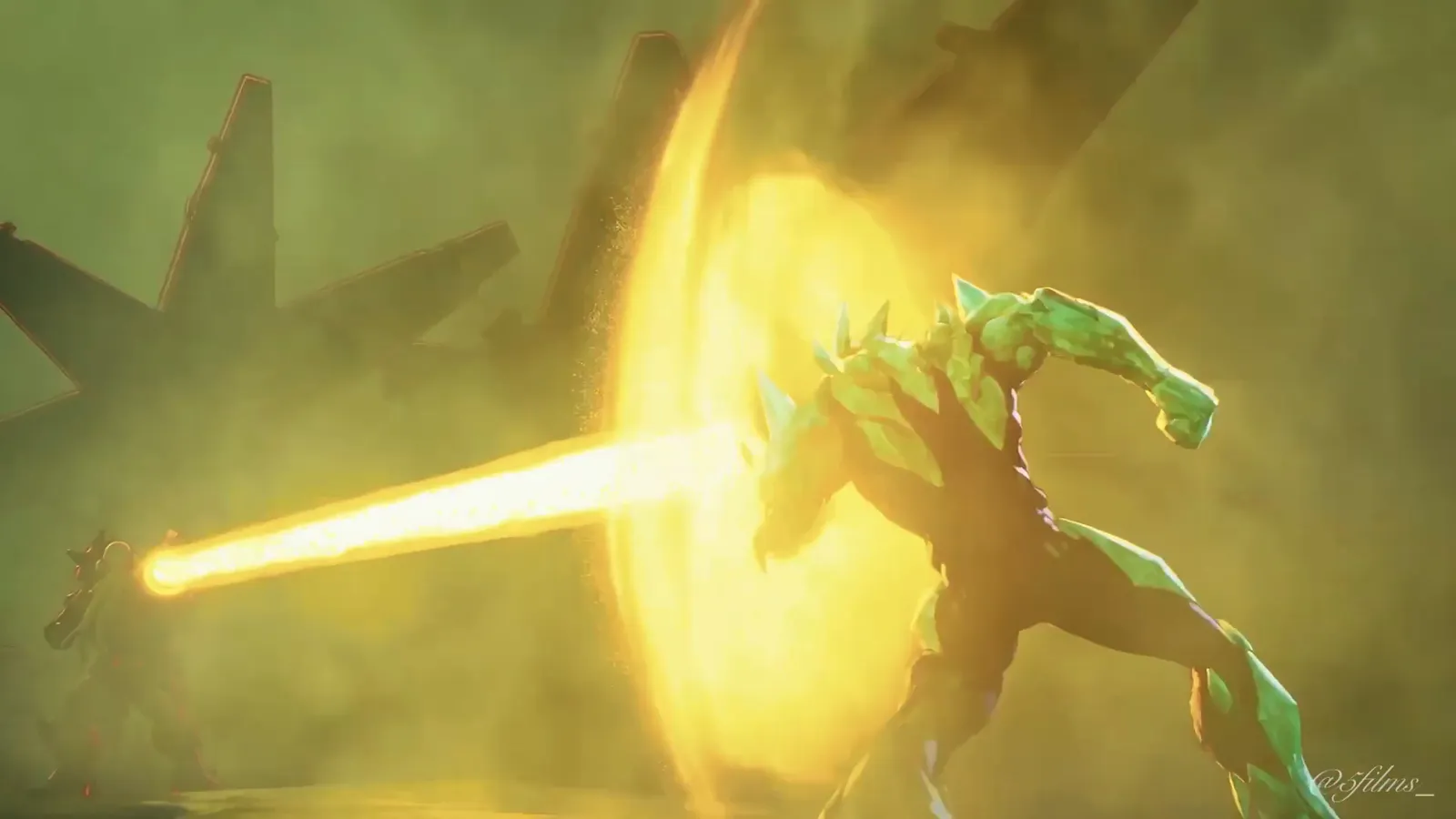
Upgrade vs Malware
Inside the grid. Upgrade fights the virus that used to be his own kind.
Motion transferred from Tron: Legacy · The disc battle
How it was made
Five steps, start to finish.
- 01
Design the characters
One turnaround sheet per character (front, side, back and a face close-up) on a flat grey background. I make mine with GPT Image in Higgsfield. Characters with a body plan close to the people in the source scene work best.
- 02
Pick a world and style frame
One wide image of the world, in the art style I want, with no characters in it.
- 03
Write the prompt
Claude fills my template: one locked paragraph per character, then one line per shot. Characters are only ever called by their @image tags, never by name.
- 04
Generate in Genjutsu
The source scene goes into Higgsfield Genjutsu with the images in order, in Motion Transfer. One change per retry until every shot holds.
- 05
Make it mine
New voice lines, sound effects for every power, music, then compositing and one colour grade across the whole film.
Prompt pack
The Upgrade vs Malware pack is on the way.
The template, the instructions and the guide for Upgrade vs Malware aren’t ready yet. Get it the day it drops, or start with the free Diamondhead pack now. The method is the same.